
eDPI Calculator
Two players with different mouse DPI and in-game sensitivity can have exactly the same aim feel. eDPI (effective DPI) puts them on one scale: DPI × sensitivity. This calculator works out your eDPI and the physical distance for a 360° turn, converts your sensitivity between popular games so your muscle memory carries over, and shows where you sit compared with typical settings.
- Free to use
- No sign-up
- Runs in your browser
eDPI and sensitivity calculator
Sensitivity Cards and Aim Log
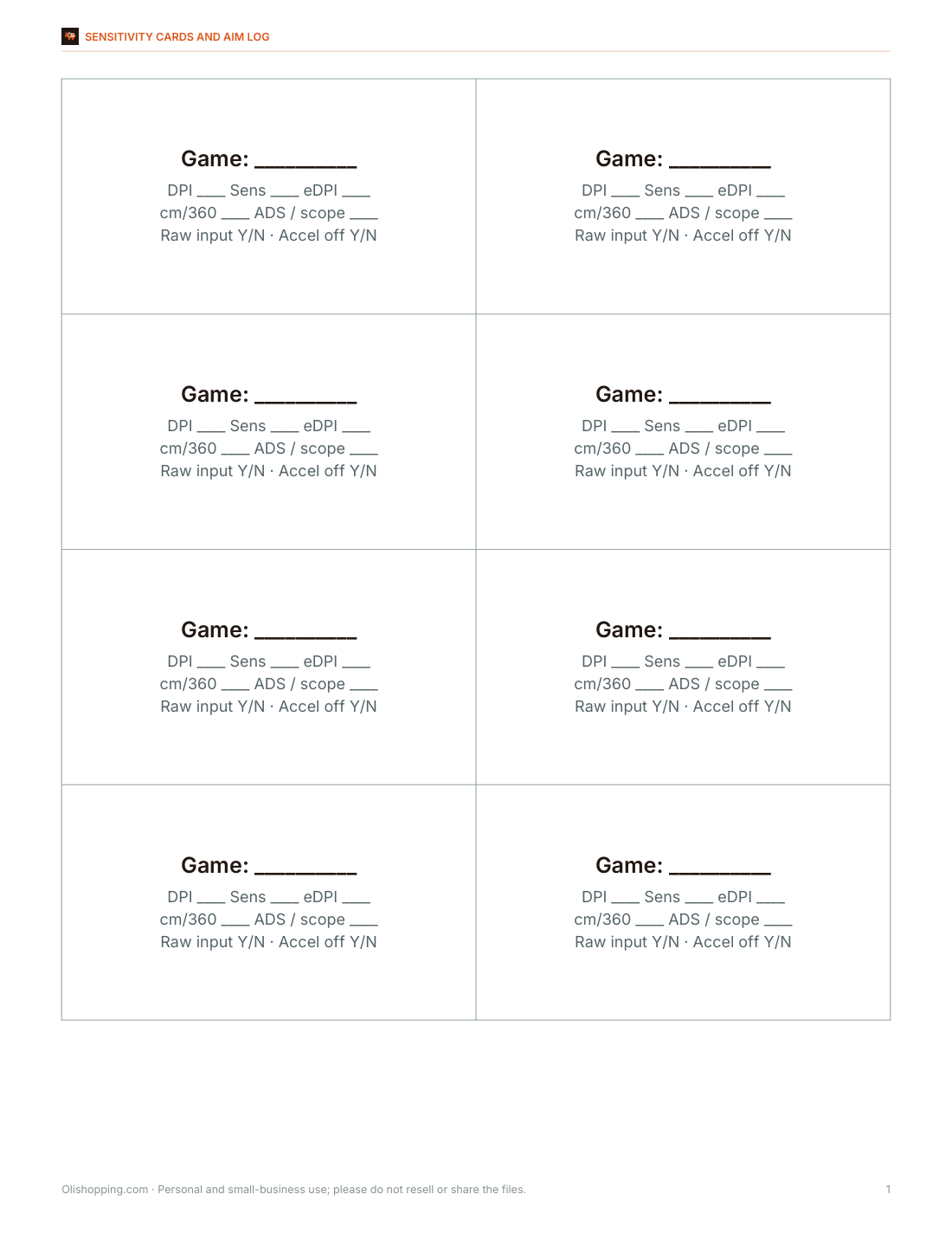
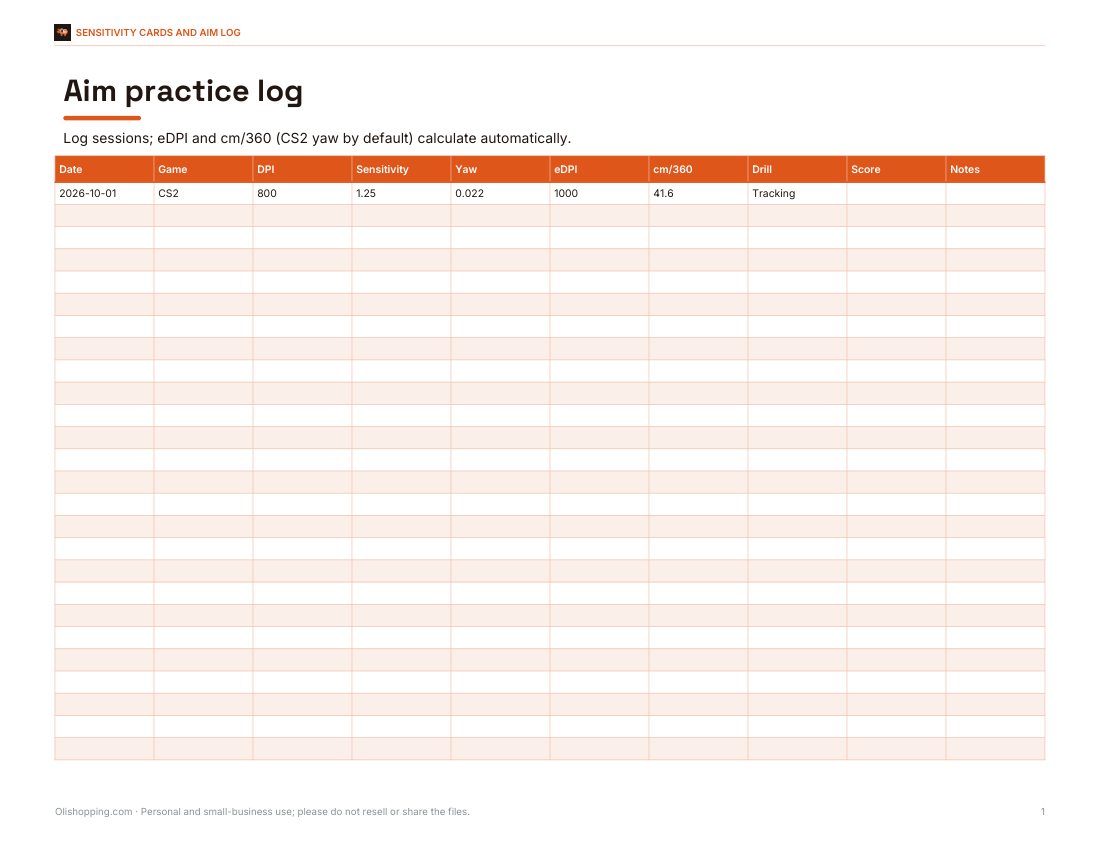
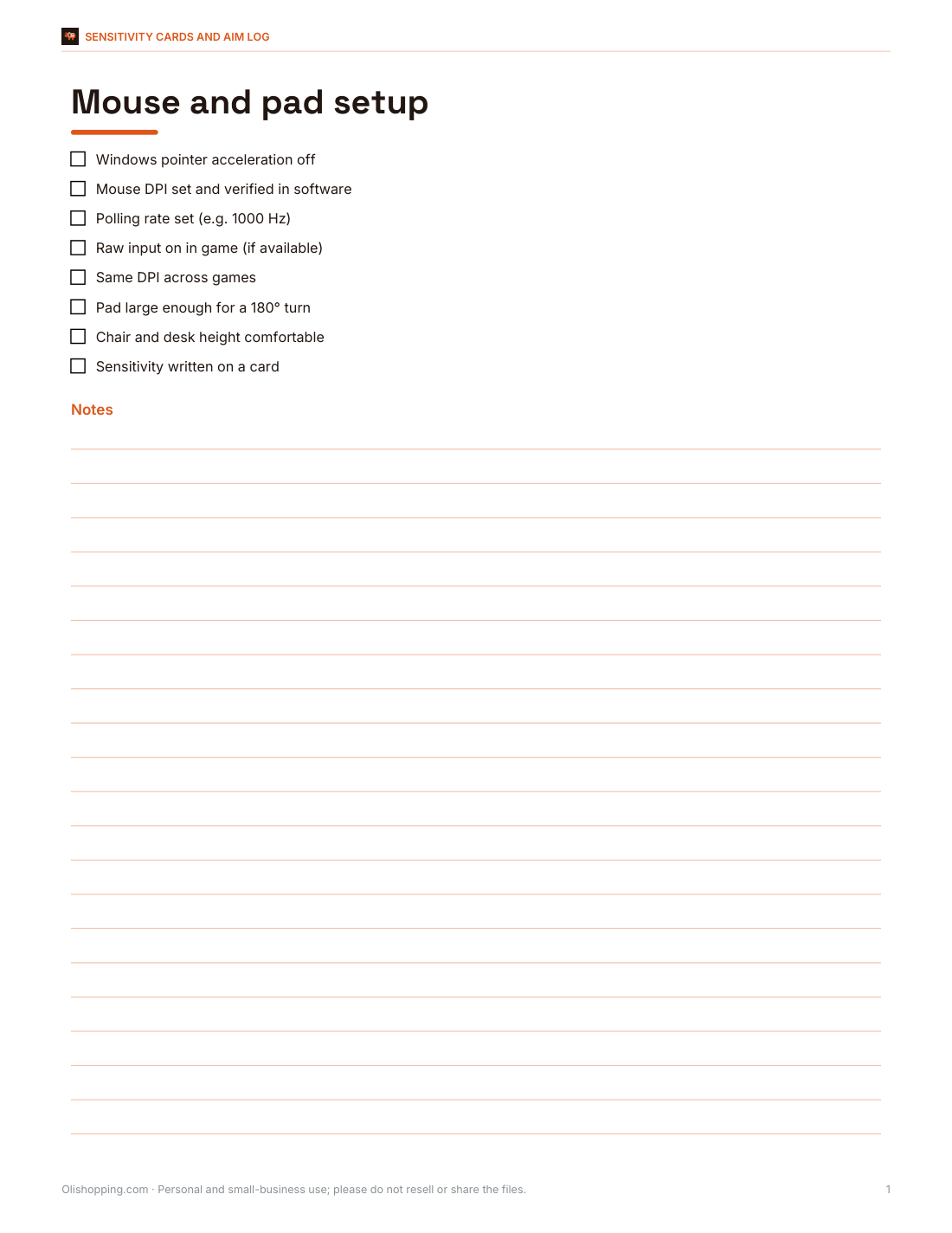
Printable sensitivity cards for each game, an aim practice log with progress tracking and a mouse and pad setup checklist.
- Sensitivity cards (PDF)
- Aim log (XLSX)
- Setup checklist (PDF/DOCX)
Formats: PDF, XLSX, DOCX. Instant download after payment (link valid 72 hours, up to 5 downloads). AI-assisted: the templates were drafted with AI help and reviewed and laid out before publishing.
$5.00 USD, one-time 3 files · about $1.67 each
- Instant download
- 7-day refund
- Secure checkout by Stripe
7-day money-back guarantee. Full refund within 7 days of purchase, even after you download.
Full refund within 7 days — see the refund policy and license.
Free printables
Single sheets you can print right now, no sign-up. The full pack adds every sheet in one download plus the editable files.
 Printable Sensitivity Cards
 Printable Aim Log and eDPI Calculator
 Printable Mouse and Pad Setup Checklist
What eDPI means
Your mouse’s DPI (dots per inch, also called CPI) is how many counts it reports per inch of movement. The game’s sensitivity multiplies those counts into turning. eDPI = DPI × in-game sensitivity, so 400 DPI at sensitivity 2.5 and 800 DPI at 1.25 both give an eDPI of 1,000 and feel the same in that game. Because every game converts counts into rotation differently, eDPI values are only comparable within one game.
cm/360: a universal measure
cm/360 is how far you move the mouse to turn a full circle. It works across games: 360 ÷ (DPI × sensitivity × yaw) gives the counts per turn in inches of mouse travel, times 2.54 for centimetres. For CS2, yaw is 0.022° per count; for Valorant 0.07; for Overwatch 2 0.0066. A cm/360 of around 30–50 cm is common among players of tactical shooters, while faster-paced games often use lower values.
Worked example
| Setting | Value |
|---|---|
| Mouse DPI | 800 |
| CS2 sensitivity | 1.25 |
| eDPI | 800 × 1.25 = 1,000 |
| cm/360 | 360 ÷ (800 × 1.25 × 0.022) × 2.54 ≈ 41.6 cm |
| Valorant equivalent | 1.25 × 0.022 ÷ 0.07 ≈ 0.393 |
| Overwatch 2 equivalent | 1.25 × 0.022 ÷ 0.0066 ≈ 4.17 |
| Same feel at 1,600 DPI (CS2) | 1.25 × 800 ÷ 1,600 = 0.625 |
The familiar shortcut “divide CS sensitivity by 3.18 for Valorant” comes from 0.07 ÷ 0.022 ≈ 3.18.
Choosing your sensitivity
- Lower sensitivity (higher cm/360) gives finer control for precise shots but needs more desk space and arm movement.
- Higher sensitivity turns faster with less movement but is harder to control for small adjustments.
- Pick one setting and keep it for weeks; constant changes stop muscle memory forming.
- Make sure your mouse pad is big enough for a comfortable 180° turn.
- Use the same DPI across games and adjust in-game sensitivity so cm/360 matches.
DPI tips
- Common DPI settings are 400, 800 and 1,600; higher DPI with lower sensitivity can reduce pixel skipping in some games.
- Turn off mouse acceleration (“enhance pointer precision” in Windows) for consistent aim.
- Use raw input where the game supports it.
- Check your mouse software — the actual DPI can differ slightly from the label.
Typical ranges
| Game | Common eDPI range among competitive players | Approx. cm/360 |
|---|---|---|
| CS2 | about 600–1,300 | about 32–70 cm |
| Valorant | about 200–400 | about 33–65 cm |
| Overwatch 2 | about 3,000–6,000 | about 23–46 cm |
| Apex Legends | about 900–1,600 | about 26–46 cm |
These are broad ranges seen among competitive players, not recommendations; comfort and play style matter more than copying anyone.
Finding your sensitivity
- Start from a middle value — for example around 40 cm/360 for tactical shooters or 25–30 cm for faster games.
- In a practice mode, flick to targets at different angles; if you overshoot often, lower the sensitivity; if you undershoot or run out of pad, raise it.
- Adjust in small steps of about 5–10% and play several sessions before judging.
- Once it feels right, write it down and stop changing it.
- Match other games to the same cm/360 using the conversion table.
Why pros use low sensitivity
Many professional players of tactical shooters use relatively low sensitivity with large mouse pads, because small, precise adjustments matter more than fast turns when enemies appear in predictable places. In games with more vertical movement or close-range fights, higher sensitivity is common. There isn’t a single best value — it depends on your arm, desk, mouse and game.
Converting between games
To keep the same feel when you switch games, match cm/360 rather than the sensitivity number. The table in the calculator converts your current sensitivity into each game at the same DPI. Aim-down-sights and scope sensitivities have their own multipliers in each game, so fine-tune those separately after matching hip-fire.
Sensitivity cards pack
The optional pack includes printable sensitivity cards to keep your settings for each game, a practice log for aim training, and a mouse and pad setup checklist. The calculator above is free.
AI-assisted content
This page was drafted with AI assistance and reviewed before publishing. Game yaw values are widely used community figures; games can change their settings, so verify in-game.
Frequently asked questions
How do I calculate eDPI?
Multiply your mouse DPI by your in-game sensitivity.
What is a good eDPI for CS2?
Many competitive players use roughly 600–1,300, but choose what feels controllable.
How do I convert CS2 sensitivity to Valorant?
Divide by about 3.18 (0.07 ÷ 0.022).
What is cm/360?
The distance you move the mouse to turn 360° in game.
Is eDPI the same across games?
No — use cm/360 to compare between games.
Does higher DPI mean better aim?
Not by itself; what matters is the overall sensitivity and consistency.
What DPI should I use?
400, 800 or 1,600 are common; choose one and adjust in-game sensitivity to taste.
Does monitor resolution change my sensitivity?
Not for hip-fire turning in most games — cm/360 depends on DPI, sensitivity and the game’s yaw.
Should I turn off mouse acceleration?
Yes, for consistent aim most players disable it in Windows and in game.
What is yaw?
The number of degrees the camera turns per mouse count at sensitivity 1 — it differs between games.
Why does my aim feel different after changing DPI?
Changing DPI without adjusting in-game sensitivity changes your eDPI; use the “same feel at new DPI” result.